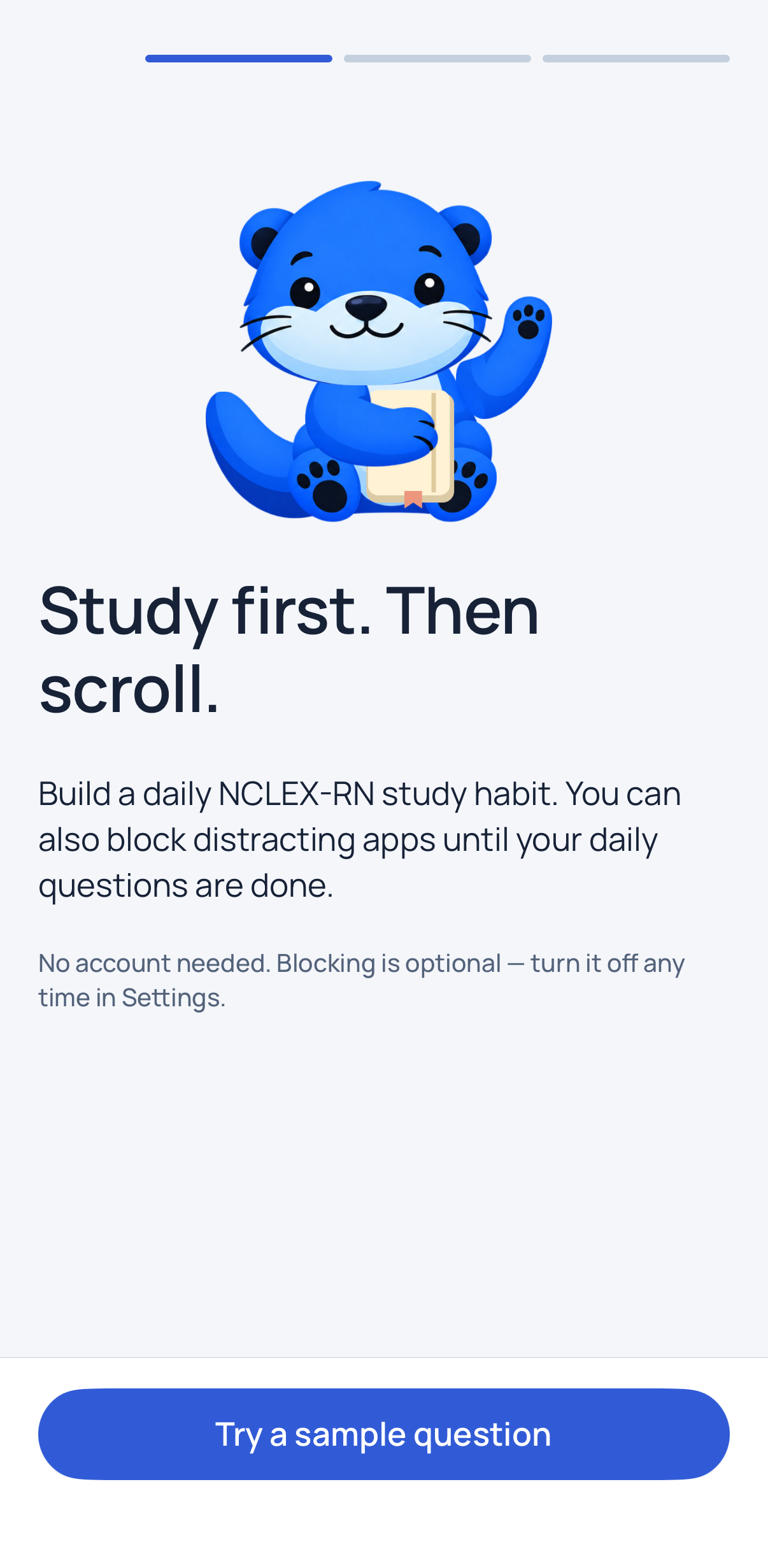
Study first.
Then scroll.
NurseLock is an NCLEX-RN® study app for iPhone and iPad. Finish a short daily drill and the apps you chose to block open again until your next study day.
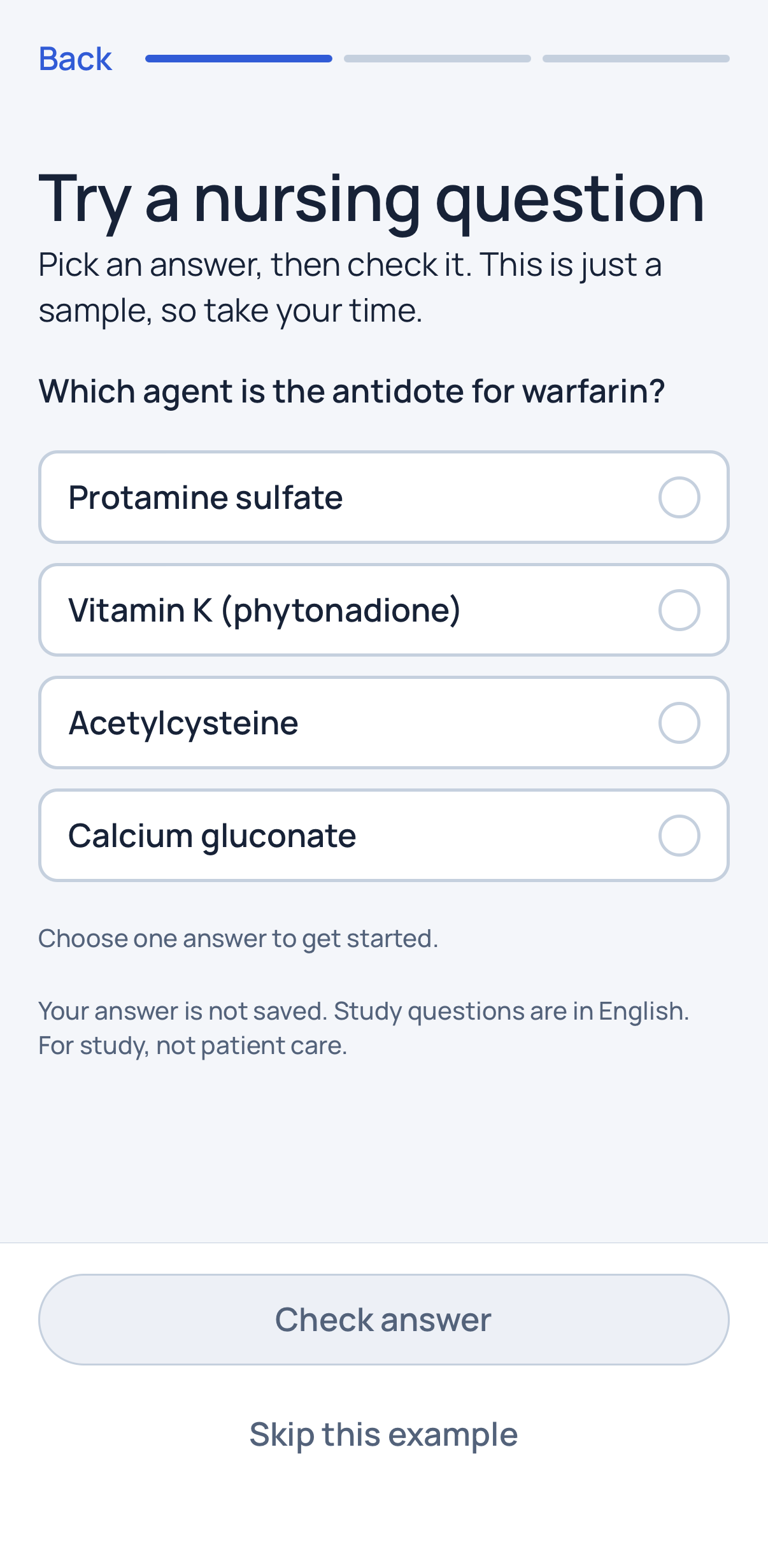
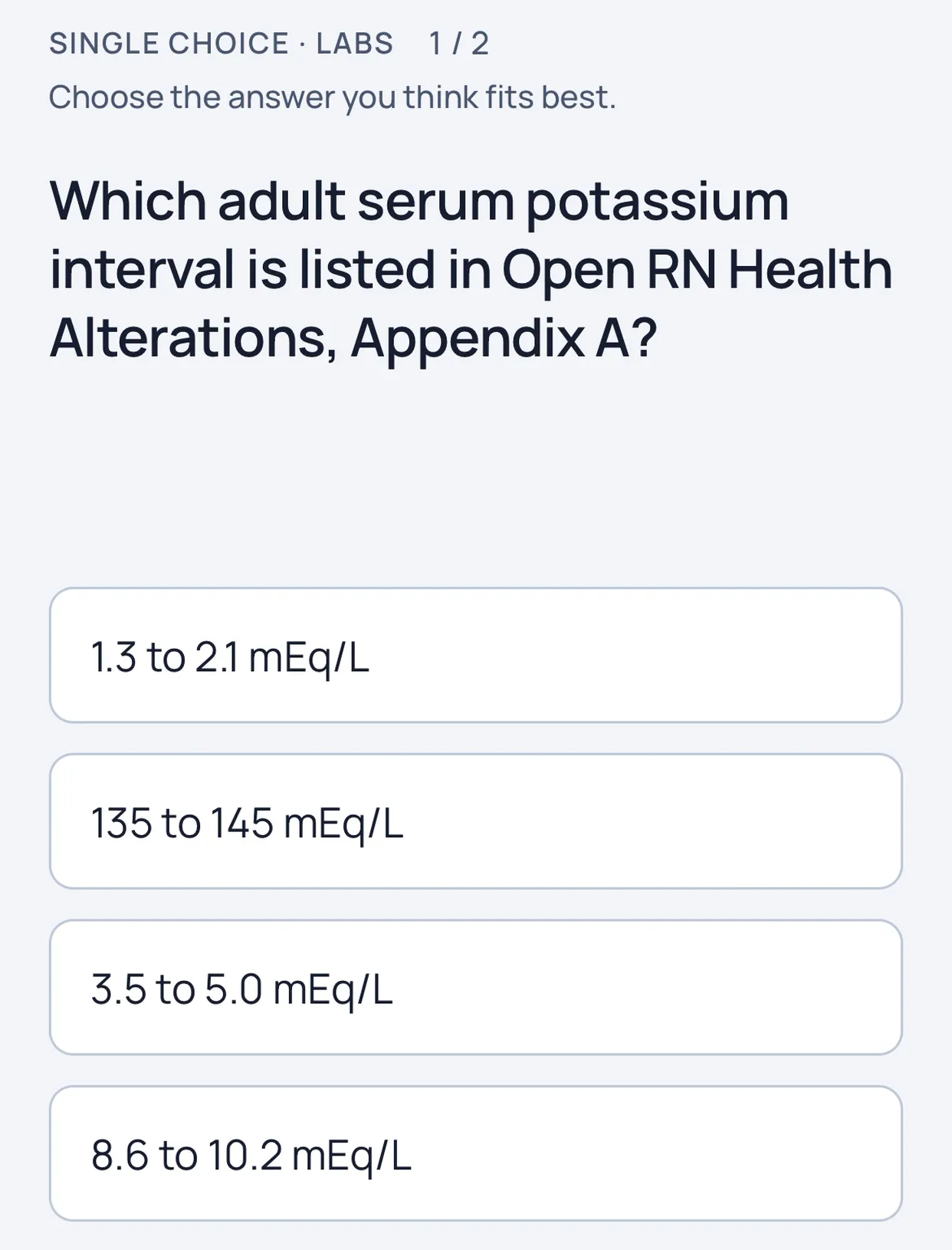
The practice question NurseLock opens with. Answer it here.
How NurseLock works
First, choose what waits.
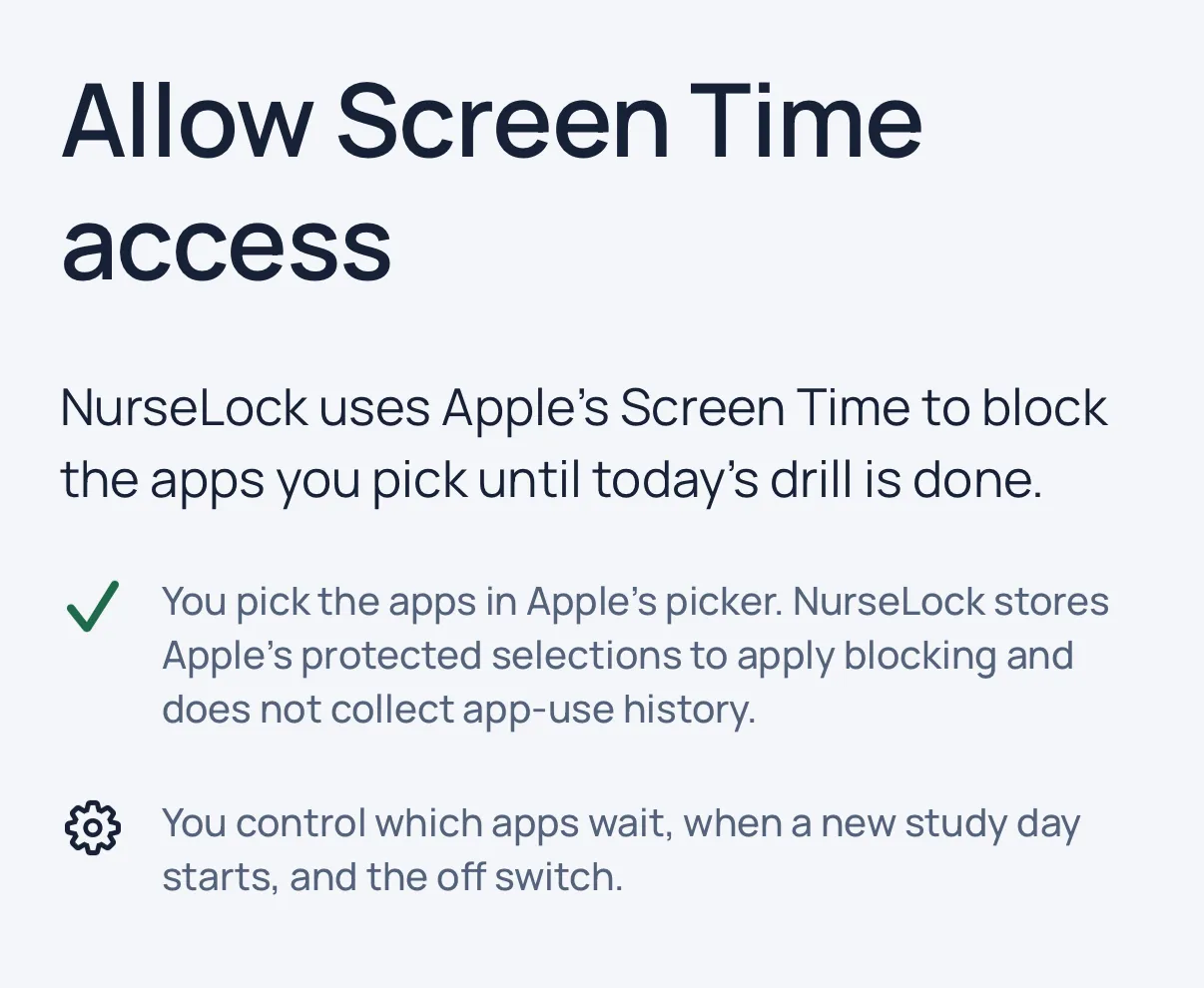
Pick the apps or app categories to block in Apple's own Screen Time picker. Blocking is optional, so you can also study without it.
Then set your study day.
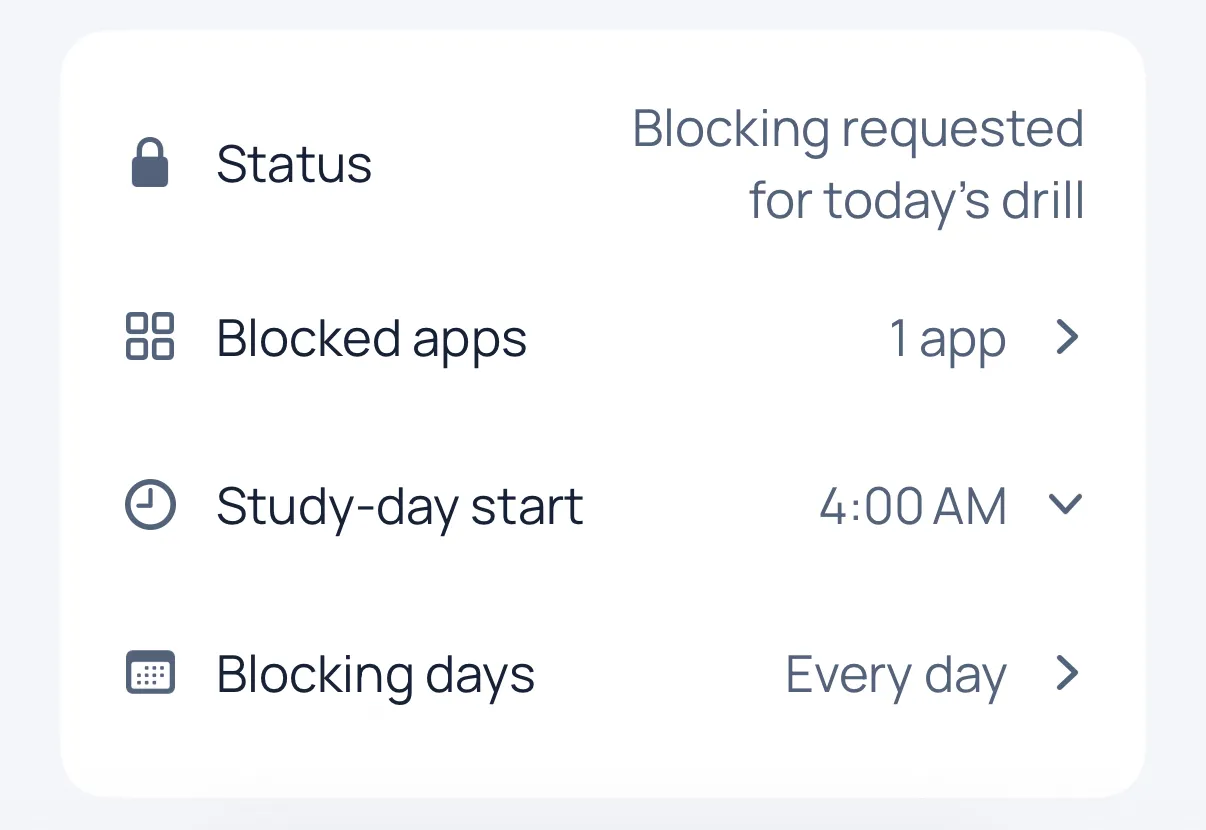
Choose your blocking days and when a new study day starts. The default start is 4:00 AM, your local time.
Next, do today's drill.
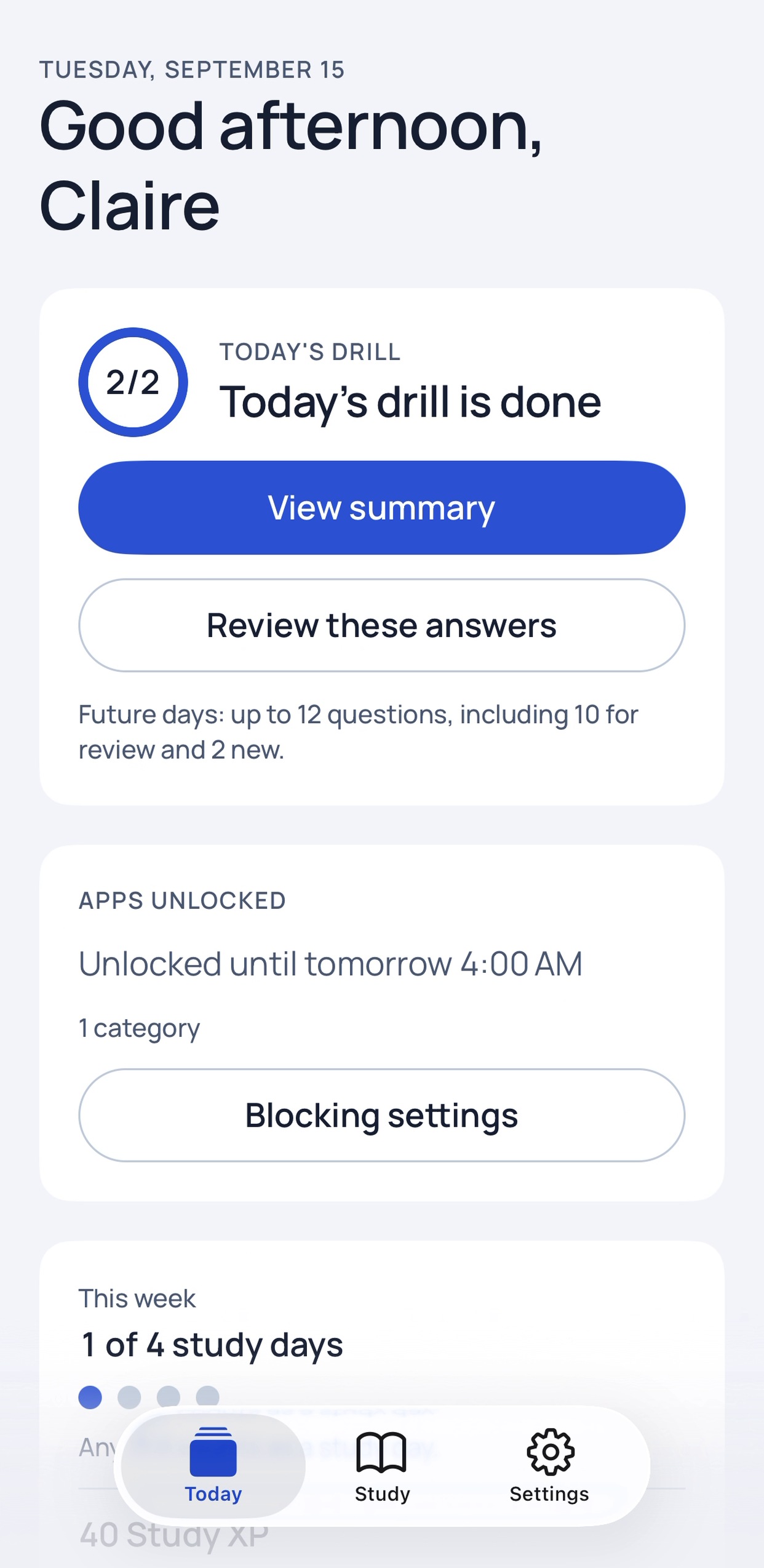
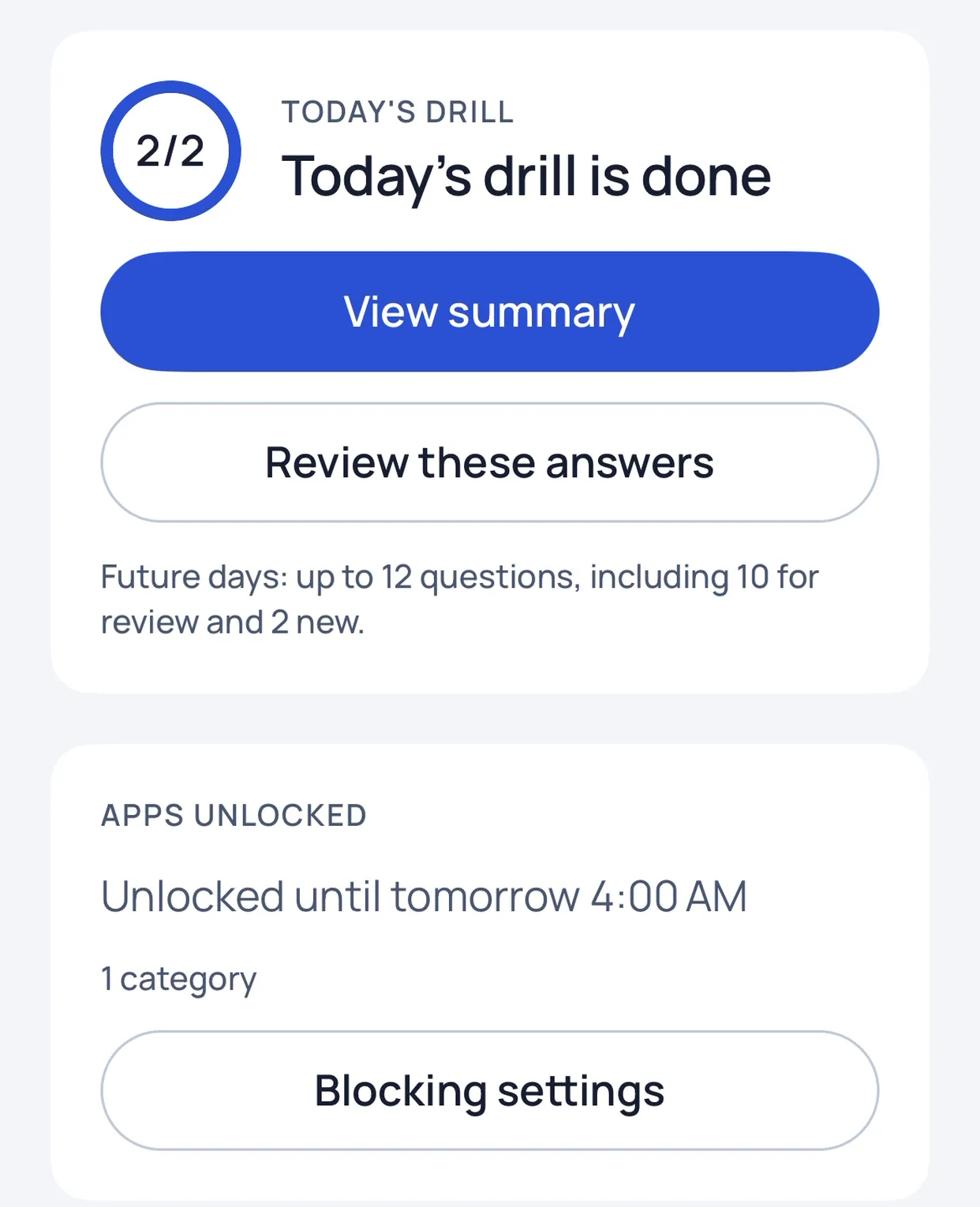
Up to 12 NCLEX-style questions a day by default: 10 for review and 2 new. Every answer shows its reasoning.
Last, your apps open.
Finish the drill and NurseLock asks Screen Time to lift the block until your next study day starts.
Inside the app.
No account neededOpen the app and start. Blocking is optional, and you can turn it off any time in Settings. 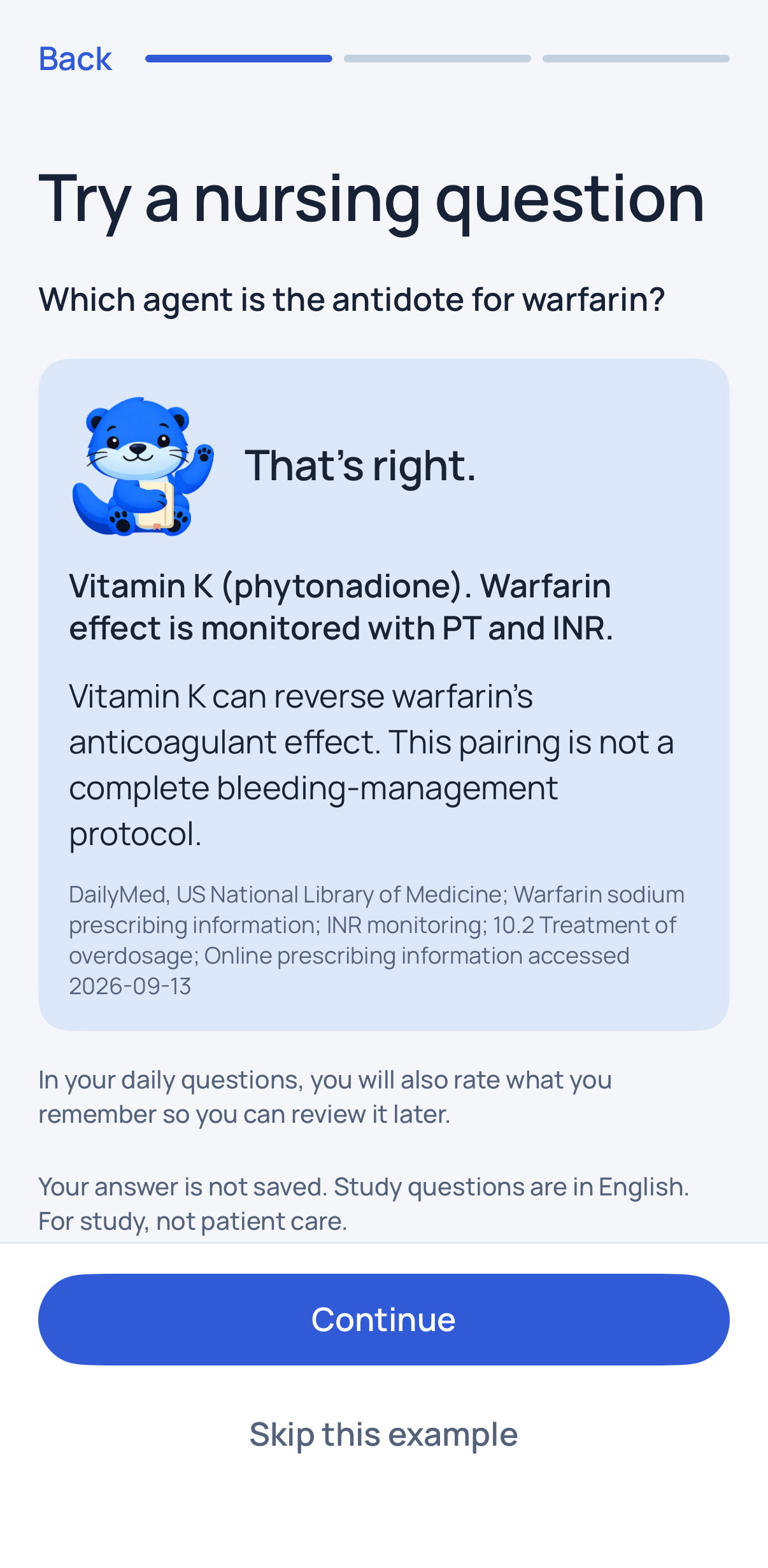
Feedback, with the sourceCheck an answer to see the reference answer, why it holds and the published source it comes from. 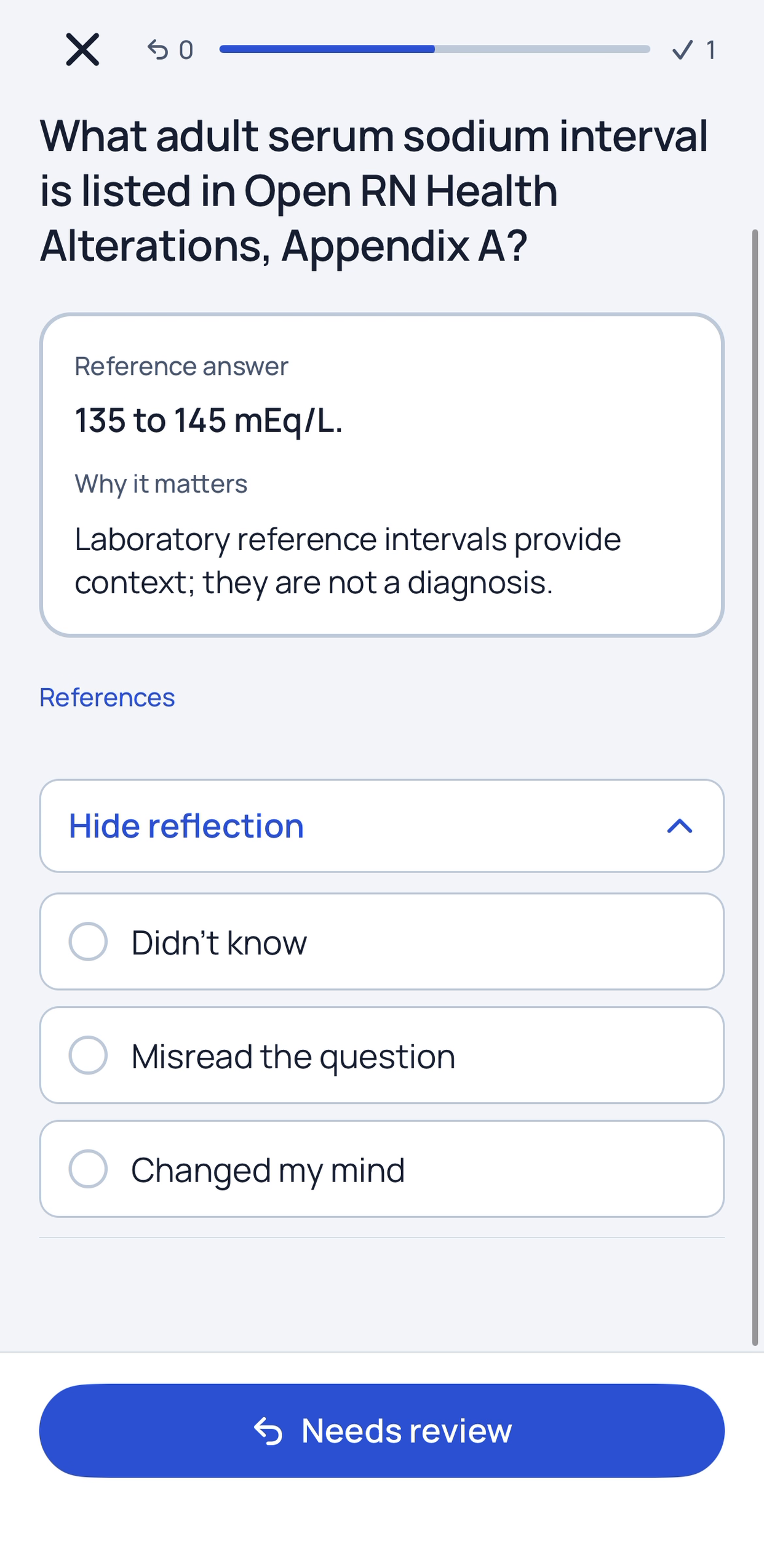
Reflect on a missMark whether you didn’t know, misread the question or changed your mind, then send it to review. 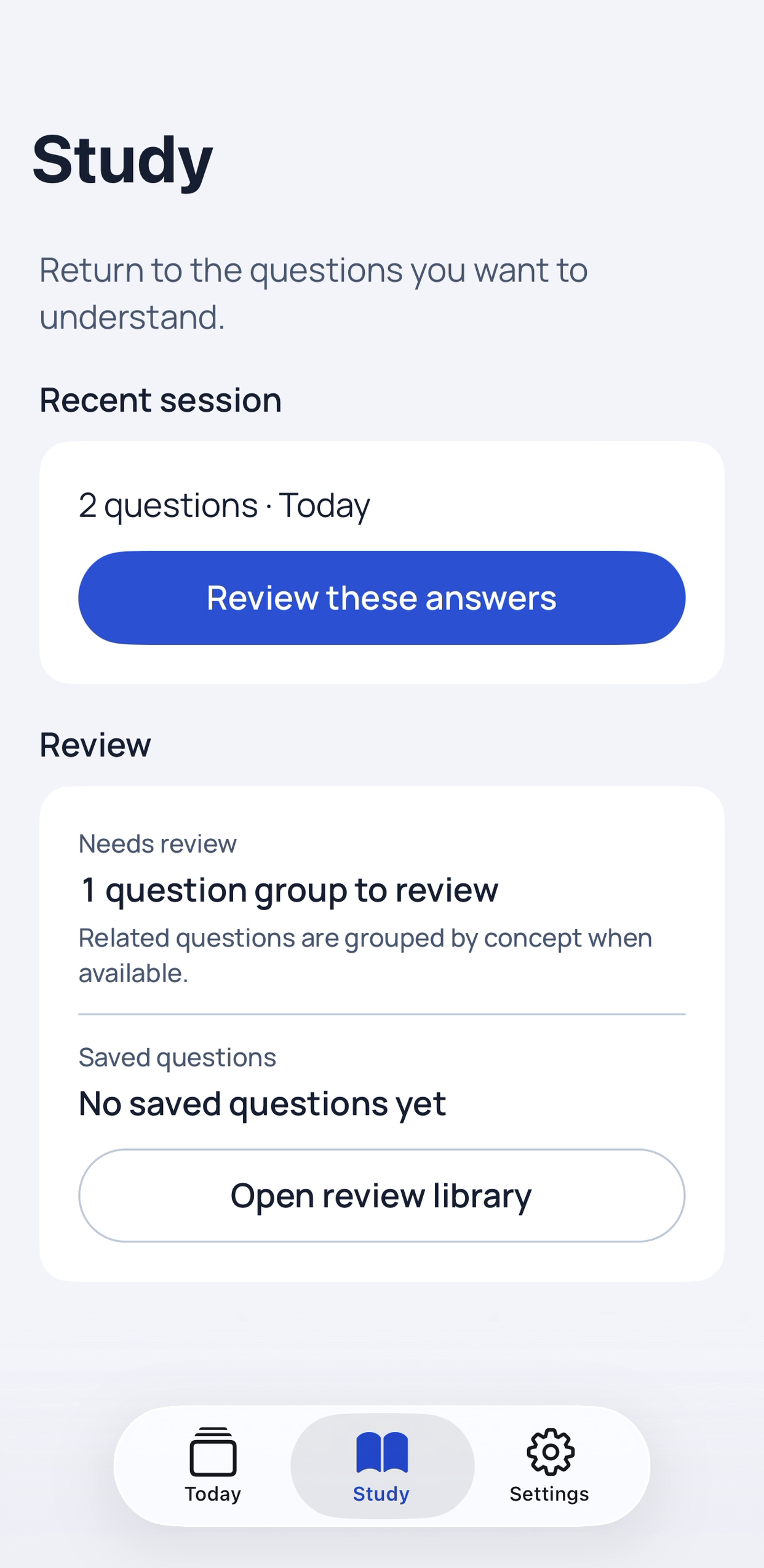
Missed questions come backSpaced review keeps questions in reach. Related questions are grouped by concept. 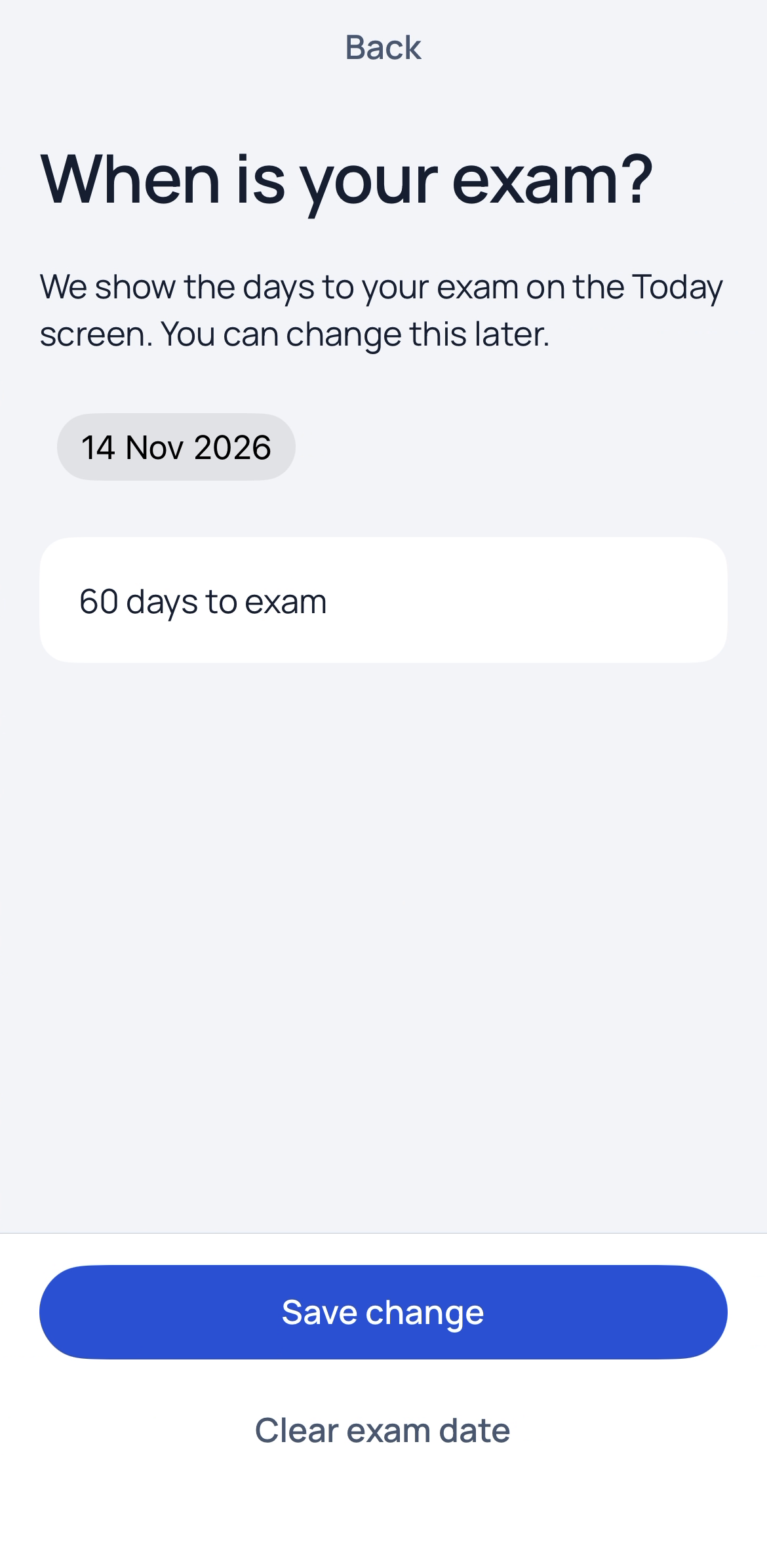
Your exam, counted downAdd your exam date and the Today screen shows the days left. 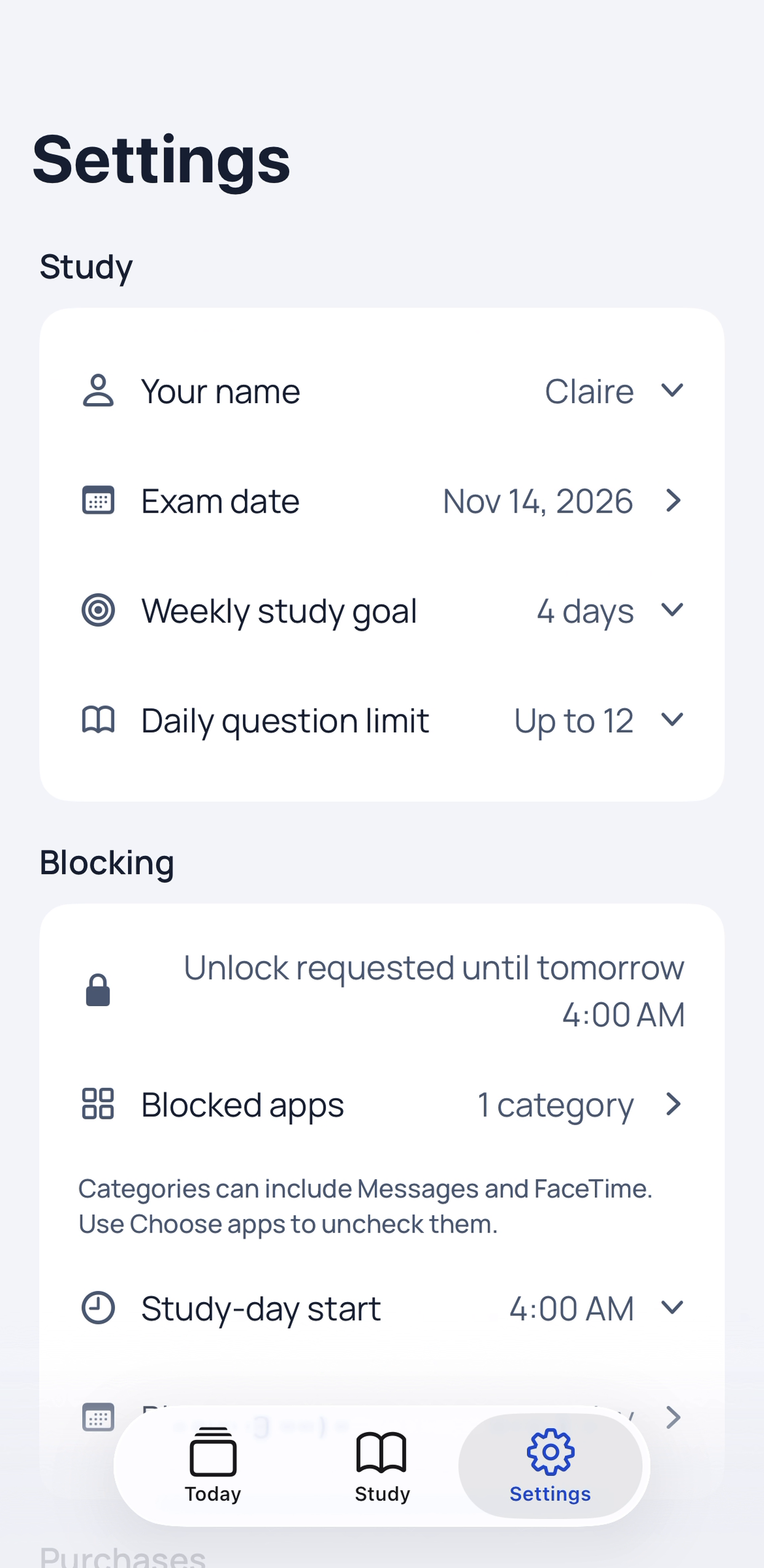
Your limits, your daysSet a weekly goal, a daily question limit, when a new study day starts and which days block.
1 of 6
Every question teaches.
Tap an answer 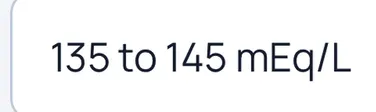 or type what you remember. Each one opens its reasoning and source
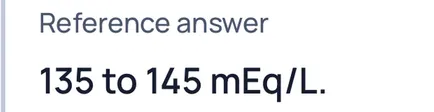 . Misses come back for review
 , and Today counts down to your exam
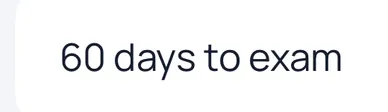 .
Answers cite published references, among them DailyMed, the CDC, Open RN and OpenStax nursing texts.
Questions are written as NCLEX-style practice. They are not real exam items.
- Two ways to answer
- Multiple-choice questions, plus short written answers you compare with the reference answer.
- Spaced review
- FSRS spaced repetition brings questions back before they fade.
- Saved questions and notes
- Keep the questions you want to revisit, with a short reflection on each miss.
- A weekly goal
- Choose how many study days you are aiming for each week and track them on Today.
What it covers.
Eight areas of NCLEX-RN study, each answer explained and sourced.
Labs
Reference intervals for electrolytes, blood counts and glucose, plus digoxin, lithium and heparin monitoring.
Pharmacology
Antidotes and reversal agents, drug classes, and what to watch for.
Fluids and electrolytes
Calcium, magnesium and potassium imbalances, ECG changes and isotonic IV fluids.
Safety and infection control
CDC isolation precautions, hand hygiene and room requirements.
Prioritisation and delegation
ABCs, Maslow’s hierarchy and the five rights of delegation.
Maternal and newborn
Apgar scoring, newborn vital signs, magnesium sulfate and fetal monitoring.
Mental health
Lithium toxicity, MAOI food restrictions and neuroleptic malignant syndrome.
Fundamentals
Adult vital sign ranges, abdominal assessment order and client identifiers.
NurseLock is independent study practice. It is not affiliated with, sponsored by or endorsed by NCSBN, which owns the NCLEX® and NCLEX-RN® trademarks.
You stay in control.
NurseLock asks a lot of trust: it can keep apps closed. So it keeps the rules plain.
- Blocking is optional.
- Use the drills without Screen Time, or add blocking when you want it.
- Turning it off is always free.
- Help with blocking removes every restriction, with or without NurseLock Pro.
- No account.
- No sign-up, no NurseLock server and no cloud sync.
- Your study stays on your device.
- Answers, notes and review history live in a local database on the device.
- Your apps stay private.
- Screen Time gives NurseLock opaque tokens, so it can’t read which apps you picked or how you use them.
- No ads, no tracking.
- No advertising, no behavioural analytics and no crash reports. Apple and RevenueCat handle purchases.
Pay once, or weekly.
NurseLock is free to download, and the sample question is free. The daily drill and app blocking need NurseLock Pro. Turning blocking off never does.
NurseLock Pro Lifetime: US$24.99, paid once.
- Lifetime: every Pro feature, paid once.
- Or Weekly at US$4.99 a week, with 7 days free for eligible customers.
- Both give the same full access: the daily drill, the complete question set and Screen Time blocking.
- In Australia: A$39.99 once, or A$7.99 a week. The App Store shows your local price.

The Weekly subscription renews automatically at the price shown before purchase unless you cancel in your Apple account’s subscription settings before the trial or current period ends. Payment is charged to your Apple ID. Deleting the app does not cancel a subscription. The Lifetime purchase does not renew. See the terms.
Questions, answered.
No. NCLEX® and NCLEX-RN® are registered trademarks of the National Council of State Boards of Nursing, Inc. (NCSBN). NurseLock is independent study practice and is not affiliated with, sponsored by or endorsed by NCSBN.
Finish the day’s drill and NurseLock asks Screen Time to lift the block until your next study day starts. The default start is 4:00 AM, your local time, and you choose which days are blocking days.
Yes, at any time. Open Settings, then Help with blocking, to turn blocking off or remove every restriction. It works with or without NurseLock Pro.
No. You pick apps in Apple’s Screen Time picker, and Apple gives NurseLock opaque tokens it cannot read. NurseLock does not read your use of other apps. It only schedules and lifts its own restriction.
The daily drill and turning on blocking. NurseLock is free to download, and the sample question comes before the paywall.
Pro is a one-time Lifetime purchase (US$24.99) or a Weekly subscription (US$4.99 a week), shown in your App Store currency. Eligible customers can try Weekly free for 7 days.
No. There is no account, no NurseLock server and no cloud sync. Your study data stays on your device, and device backups can contain it.
Labs, Pharmacology, Fluids and electrolytes, Safety and infection control, Prioritisation and delegation, Maternal and newborn, Mental health and Fundamentals. Each answer gives its reasoning and cites a published source.
No. NurseLock is study practice for the NCLEX-RN. The question set is educational material. It is not clinical guidance, not medical advice and not a guarantee of exam results.
iPhone and iPad, on iOS or iPadOS 26.5 or later.
Remove restrictions first in Settings, then Help with blocking, so the block does not linger. If NurseLock is already deleted and a block remains, check Screen Time access for NurseLock in iPhone Settings and restart the iPhone.
Cancel the Weekly subscription in your Apple account’s subscription settings. Deleting the app does not cancel it, and refunds are handled by Apple. Lifetime is a one-time purchase and never renews.
No. NCLEX® and NCLEX-RN® are registered trademarks of the National Council of State Boards of Nursing, Inc. (NCSBN). NurseLock is independent study practice and is not affiliated with, sponsored by or endorsed by NCSBN.
Start with one question.
Download NurseLock and answer the sample question. When you’re ready, Pro opens the daily drill and blocking.
On a computer? Scan with your iPhone camera.